
Download Intocartoon Base – cartoon, sketch, drawing, silhouette, comic, art, photo to cartoon, transform photos, creative tool, artistic tool, digital art, illustration, photo editing, fun, easy, user-friendly, mobile app
Overview
Intocartoon Base is a mobile application designed to transform photographs into artistic silhouettes and stylized drawings with minimal effort. The app serves as a creative tool for users seeking to convert personal images into comic-style illustrations, sketches, or line drawings. It offers a streamlined alternative to complex desktop software like Adobe Photoshop, making digital art creation accessible to non-professionals and hobbyists alike. The app’s primary purpose is to simplify the process of artistic transformation, allowing users to experiment with visual styles without requiring advanced design skills. Target users include casual photographers, social media enthusiasts, and individuals interested in digital illustration. The app’s intuitive design supports both beginners and intermediate users who want to explore creative expression through mobile technology. While the developer, Intocartoon, is not widely known outside the app ecosystem, the application has maintained relevance since its release in 2010. Its long-standing presence suggests a stable core functionality and consistent user engagement. Real-world use cases include creating character portraits for online profiles, generating fun avatars for messaging apps, or producing quick concept art for personal projects. In the broader mobile app landscape, Intocartoon Base occupies a niche in the productivity and creative tools category, offering a lightweight, fast solution for photo stylization. Despite its age, the app continues to serve a specific audience that values simplicity and immediate visual results.Key Features & Functionality
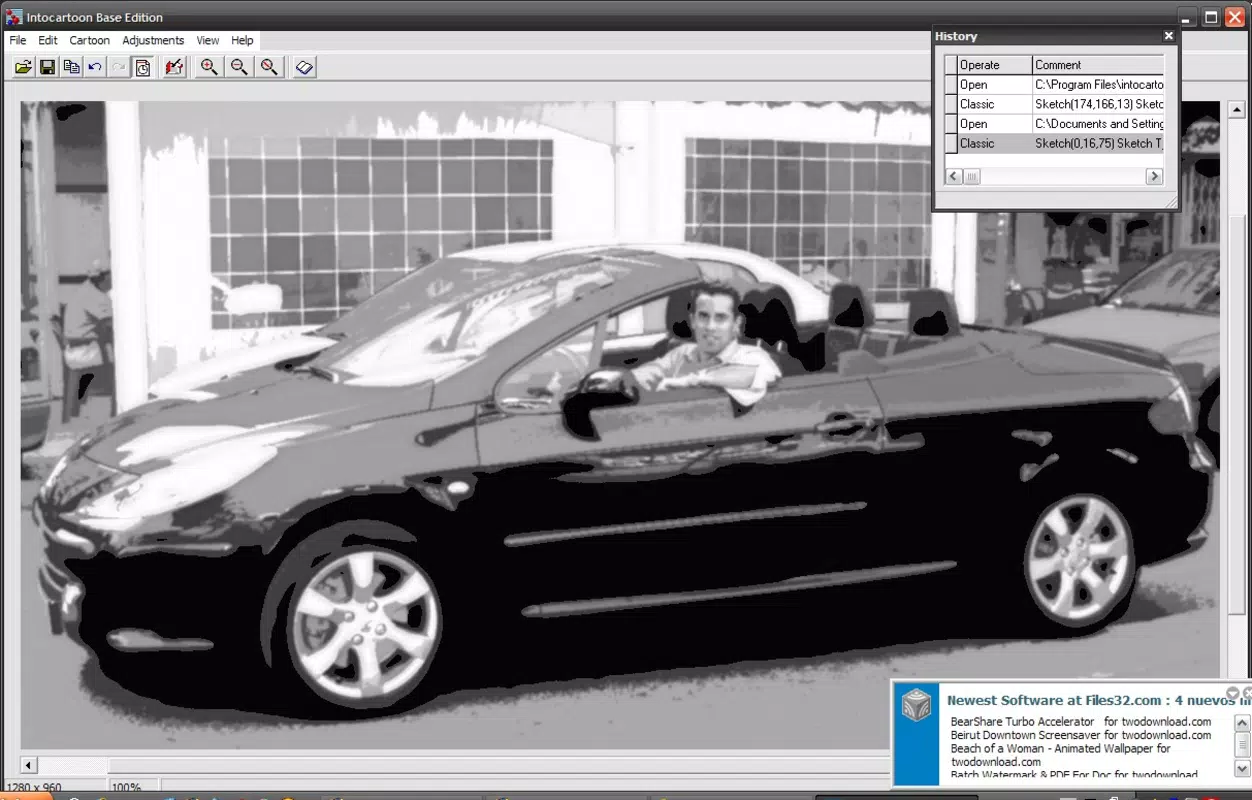
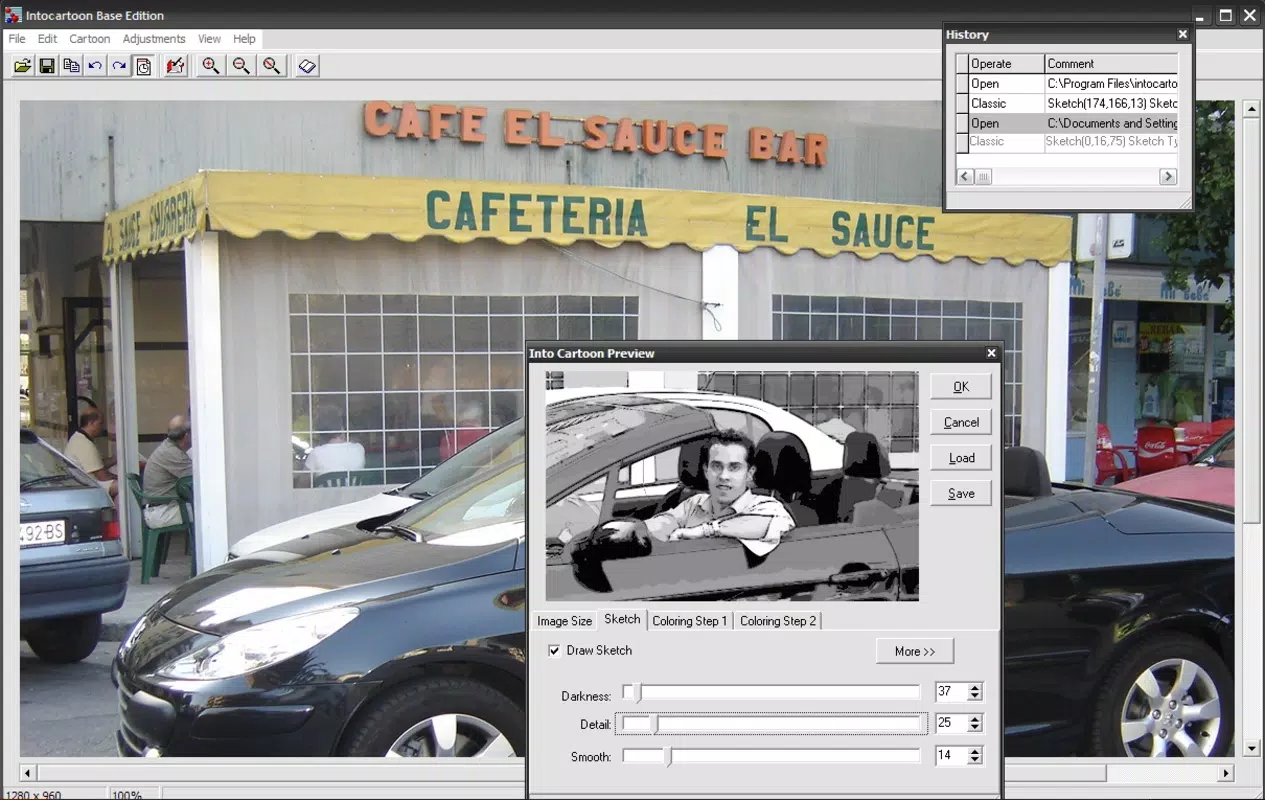
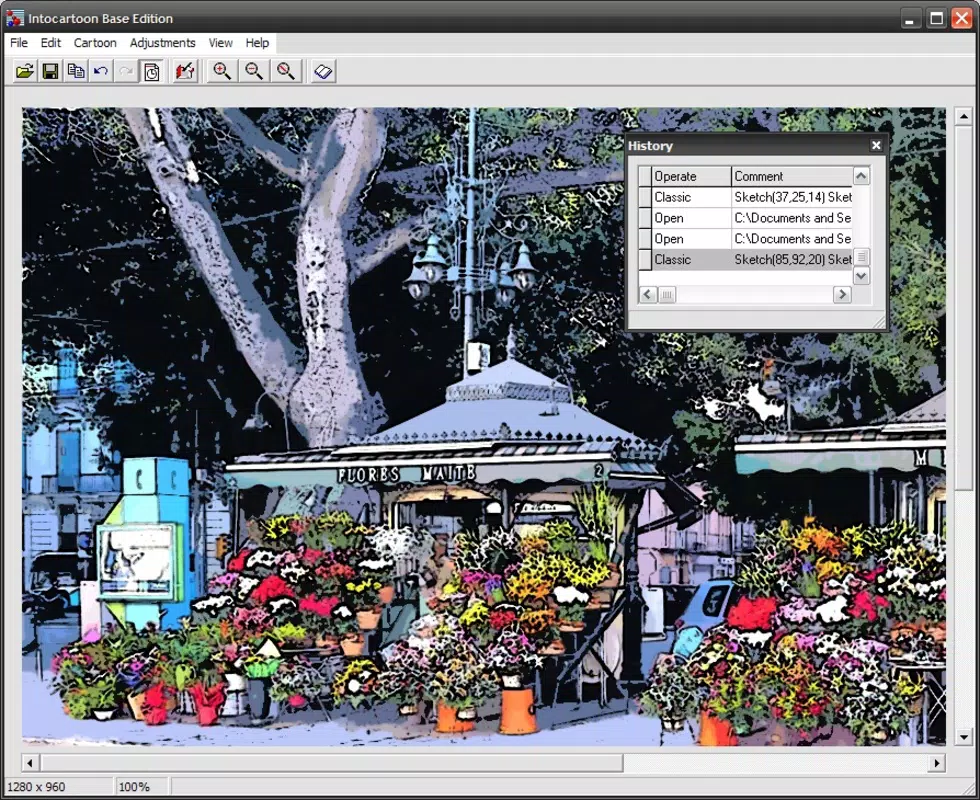
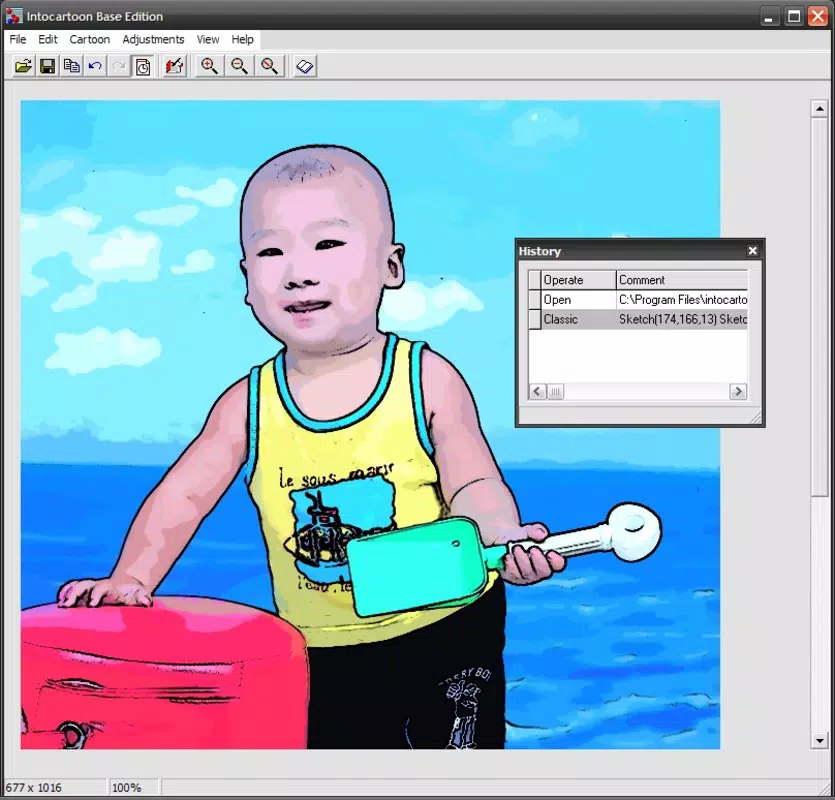
Intocartoon Base provides a focused set of tools designed around artistic transformation. The app includes four distinct artistic profiles: cartoon, canvas, sketch, and line drawing. Each profile applies a unique visual filter to the input image, enabling users to generate outputs that mimic comic books, hand-drawn illustrations, or minimalist silhouettes. These profiles allow users to tailor the final output to match their desired aesthetic, whether they prefer bold outlines or subtle shading. Users can customize several parameters to refine the final artwork. Adjustments include image size, outline thickness, and coloring intensity. These settings empower users to fine-tune the artistic result according to their preferences. For example, a user might increase outline thickness to create a more dramatic comic look or reduce color saturation for a monochrome sketch effect. The app also features an undo history function, which enables users to revert recent changes. This functionality encourages experimentation by reducing the risk of irreversible edits. A user can try multiple styles and settings, then backtrack to a previous version if needed. This is particularly useful when exploring different artistic interpretations of the same photo. The interface is designed for simplicity, with minimal navigation and clear visual cues. Users can select an image, choose a profile, adjust settings, and apply the transformation in a few taps. This streamlined workflow makes the app ideal for quick creative sessions on the go.- Four artistic profiles: cartoon, canvas, sketch, and line drawing
- Customizable image size, outline thickness, and coloring
- Undo history feature for safe experimentation
- Simple, intuitive interface with minimal learning curve
- Fast processing of photos into stylized artwork
Interface, UX & Performance
Intocartoon Base features a clean and minimal user interface, designed to prioritize functionality over visual clutter. The layout centers around a central image preview area, with clearly labeled buttons for profile selection, settings adjustment, and image import. Navigation is linear and predictable, guiding users through the transformation process in a logical sequence. The visual style is straightforward, focusing on usability rather than decorative elements. Controls are positioned for easy access, and feedback is immediate—changes to settings are reflected in real time. This responsiveness enhances the user experience, allowing for instant visual confirmation of adjustments. Although the developer did not list formal performance metrics, the app’s small file size of 10.5 MB suggests optimized code and efficient resource usage. It is likely to run smoothly on a wide range of Android devices, including older models. The app does not appear to require high-end hardware, making it accessible to users with budget or mid-tier smartphones. Responsiveness is consistent during image processing and parameter adjustments. Users can expect minimal lag when switching between profiles or modifying settings. Stability appears to be well-maintained, given the app’s long release history. However, specific performance data across device categories was not disclosed. The undo history feature contributes significantly to overall usability, allowing users to explore different styles without fear of losing their original work. This supports a frictionless creative workflow, particularly beneficial for users who are new to digital art tools.Platform Compatibility & Technical Requirements
Intocartoon Base is available exclusively on the Android platform. The current version is 1.0, released on August 9, 2010. The app has a file size of 10.5 MB, indicating a lightweight footprint suitable for devices with limited storage. The developer did not specify minimum OS requirements or compatibility details. As such, it is unclear whether the app supports all Android versions or only older ones. Users should verify compatibility with their device’s operating system before installation. The app may function on devices running Android 2.3 and above, but this is not confirmed. Given the app’s age and lack of recent updates, users should be cautious about potential compatibility issues with newer Android versions. The absence of updated system requirements suggests that the app may not fully leverage modern device capabilities, such as high-resolution displays or advanced camera integration. Despite these uncertainties, the app remains accessible for users with older Android devices. Its minimal size and straightforward design make it a viable option for those seeking a simple photo-to-art tool without the need for frequent updates.Pros and Cons
- Lightweight at only 10.5 MB, ideal for low-storage devices
- Free to download and use with no in-app purchases
- Four distinct artistic profiles for diverse creative output
- Customizable settings for personalized results
- Undo history feature enhances editing safety and experimentation
- Simple interface suitable for users of all skill levels
- Version 1.0 released in 2010; no recent updates available
- Compatibility with modern Android versions not confirmed
- Developer did not provide technical specifications or OS requirements
- Limited feature set compared to modern photo-editing apps
- No cloud sync or export customization options disclosed


